How to Set Up Multiple Smart Thermostats
Balance uneven home temperatures and reduce HVAC costs by setting up multiple smart thermostats. This guide covers zoning options, wiring checks, app grouping, and when to call a pro.
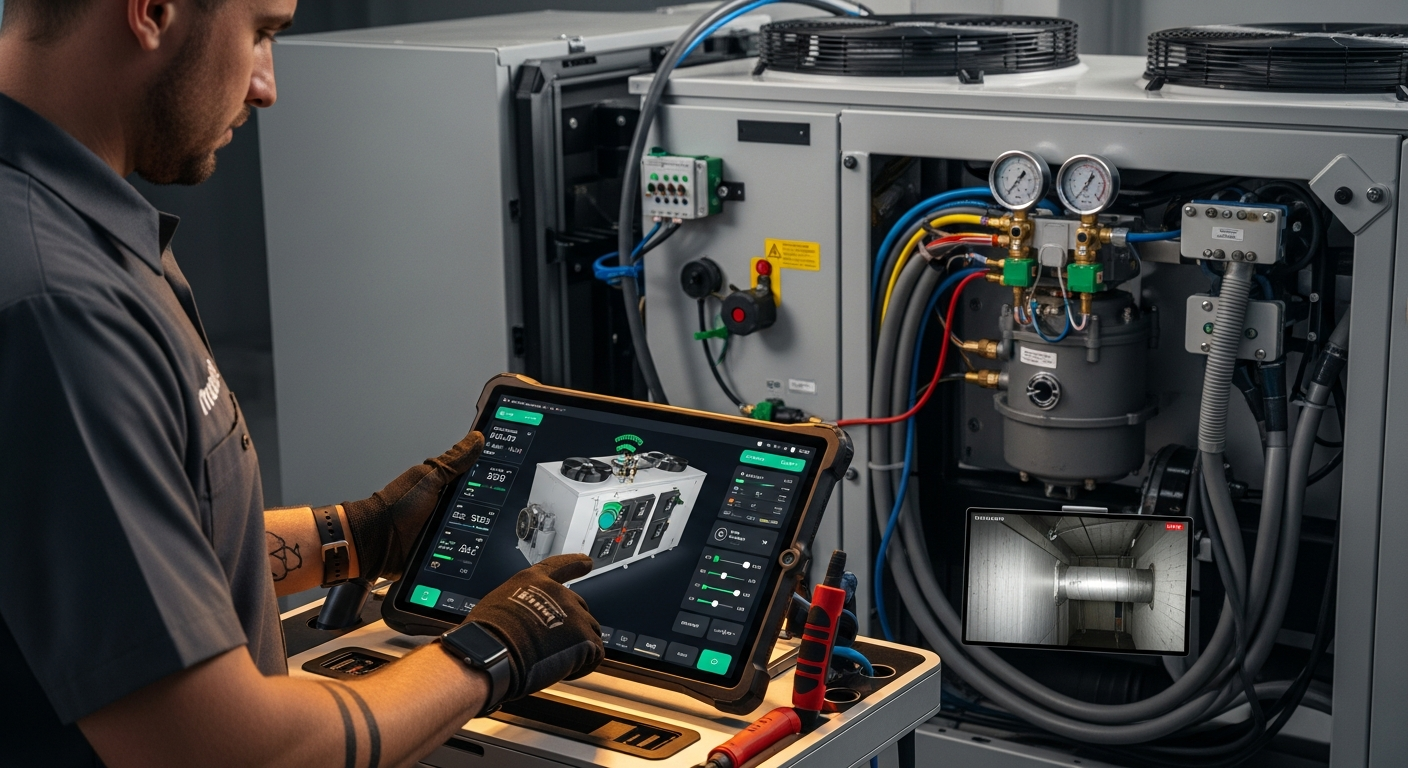
Recommended Path
For most multi-story homes, replacing old thermostats with smart models and creating per-zone schedules delivers the best balance of cost, comfort, and energy savings. Pair with a zoning system only if ductwork already has dampers.
What Matters Most
- Identify your zoning type before buying thermostats.
- Always verify C-wire availability at each location.
- Use the manufacturer’s app to group and sync devices.
- Set distinct schedules per zone to maximize savings.
- Hire a pro for damper installation or missing C-wires.
Strengths
- Reduces energy waste by heating/cooling occupied zones only
- Simple to DIY if existing wiring is compatible
- Works with most smart home platforms for automation
Weaknesses
- Ineffective without proper physical zoning (dampers) in some layouts
- Can be costly if new wiring or zoning panel is required
- Requires consistent Wi-Fi and app support
Multi‑Thermostat Decision Summary
| Scenario | Usually do | Why |
|---|---|---|
| House with 2+ HVAC units | Replace each with a smart thermostat | Direct replacement, no duct changes |
| Single HVAC, >2,000 sq ft, >3°F temp difference between floors | Add smart thermostats + smart vents or zoning dampers | Thermostats alone can't redirect airflow; physical control needed |
| Older home with missing C-wire | Install C-wire adapter or run new wire (pro job) | Smart thermostats need constant power; battery-only models often fail |
| Rental property or short-term home | Use battery-powered smart thermostats with room sensors | Avoids wiring changes; easy to take with you |
Quick Answer
Setting up multiple smart thermostats involves: 1) determining if your HVAC already has multiple units or zone dampers; 2) verifying C-wire power at each thermostat location; 3) replacing old thermostats with smart models; and 4) grouping them in the manufacturer’s app so you can set per-zone schedules. Homeowners can handle physical mounting and app setup if wiring is compatible, but adding dampers, running new cables, or modifying high‑voltage connections should be left to professionals. Properly configured multi‑zone control can cut your cooling or heating bill by 10–20% while improving comfort.
Understanding Your Zoning Setup
Not every home benefits equally from multiple thermostats. Determine which scenario fits your house:
- Multiple HVAC units: If you already have two or more separate systems (for example, one for upstairs, one for downstairs), simply replace the old controls with smart thermostats on each unit. No ductwork changes needed.
- Single unit with zone dampers: Some homes have a single furnace/AC but motorized dampers in the ductwork controlled by separate thermostats. Smart thermostats can replace the existing ones if wired to the zone control panel.
- Single unit, no dampers: Here, multiple thermostats won’t magically redirect airflow. You’ll need either physical zoning dampers or consider smart vent solutions to achieve true room‑by‑room control.
Step 1: Check Wiring & Compatibility
Smart thermostats typically need a C-wire (common) for constant power. At each thermostat location, turn off the HVAC breaker, remove the old faceplate, and look for a wire attached to the “C” terminal. If missing, you can use a C-wire adapter or have a pro run a new wire. Use a multimeter (set to AC volts) to confirm ~24V between R and C once the breaker is back on. Always turn power off before touching wires.
Step 2: Installation Overview
Once wiring is verified, mount the new backplates, connect labeled wires, and attach the smart thermostat. Avoid touching any other components inside the wall. After restoring power, follow the on‑screen prompts to set time, date, and network. Repeat for each thermostat location.
Editorial estimate: DIY installation may cost $0 beyond the thermostat price; professional install runs $100–$300 per thermostat if wiring is ready, or $500–$1,500+ if new wiring or a zoning panel is needed. Check our HVAC cost estimator for localized pricing.
Step 3: App Sync & Zone Naming
Download the manufacturer’s app and add each thermostat. Name them clearly (e.g., “Upstairs,” “Main Floor,” “Basement”). Group all devices under the same home profile. Then create schedules individually: set the upstairs to cool heavily in the evening, keep the living areas comfortable during the day, and let unoccupied zones float wider. For automatic adjustments, see how to use geofencing.
Step 4: Smart Home Integration
Link your thermostats to Amazon Alexa, Google Home, or Apple HomeKit for voice control and cross‑device automations. For instance, configure “Away” scenes that set all thermostats to energy‑saving temperatures when everyone leaves. For detailed steps, refer to Wi‑Fi connection tips.
Step 5: Optimize for Efficiency
After a month, review energy reports in the app to see which zone runs the most. A zone that runs excessively may indicate poor insulation, duct leaks, or improper sizing. Check our BTU calculator to verify if your HVAC capacity matches the zone’s needs. You may also find smart‑thermostat rebates via our rebate finder.
Safety Boundaries: What You Can and Cannot DIY
| Safe for Homeowners | Requires a Licensed Professional |
|---|---|
| Turning off HVAC power at breaker | Modifying refrigerant lines, gas pipes, or combustion components |
| Checking for C-wire and labeling existing low‑voltage wires | Installing or repairing dampers, zone panels, or high‑voltage wiring |
| Mounting smart thermostat on wall | Handling capacitors, contactors, or control boards inside HVAC units |
| Setting up Wi‑Fi, schedules, and automations in the app | Any work requiring refrigerant recovery or electrical permits |
If you’re unsure, use our contractor search to find a vetted pro, or compare quotes before hiring.
Decision Tree: Do You Need Multiple Thermostats?
- Home square footage > 2,000 sq ft and at least two floors? → A multi‑thermostat setup almost always pays off.
- Temperature difference between floors > 3°F? → Even a simple two‑thermostat arrangement can reduce hot/cold spots.
- Do you have finished basements or bonus rooms? → Treat them as separate zones; otherwise they waste energy.
- Is your existing system elderly or single‑stage? → Upgrading to a repair‑or‑replace analysis may be more cost‑effective first.
- Are you renting or planning to move within two years? → Choose battery‑powered smart thermostats that you can take with you.
Contractor Checklist: Questions Before Hiring
- “Will my HVAC system support multiple smart thermostats without a new zone panel or dampers?”
- “Can you run a C-wire to each thermostat location if missing? What is the total cost?”
- “Are my existing dampers compatible with the smart thermostats you recommend?”
- “Do you handle permits and local code requirements for thermostat and low‑voltage wiring?”
- “What warranty do you provide on installation and how are callbacks handled?”
- “Can you provide a written quote that separates equipment, labor, and any electrical work?”
For instant cost estimates before your call, use our quote checker.
Local Climate Considerations
- Hot, sunny climates (Phoenix, Las Vegas): Prioritize upstairs cooling schedule early in the afternoon; consider separate thermostats for east‑west sides due to sun load.
- Cold, snowy climates (Chicago, Minneapolis): A basement thermostat prevents frozen pipes; set it to 55°F minimum while the main floors run warmer.
- Humid subtropical (Houston, Orlando): Multiple thermostats let you manage humidity by zone; pair with a standalone dehumidifier on the most humid floor.
- Coastal or marine (Seattle, San Francisco): Mild temperatures make two‑thermostat setups less urgent, but a smart thermostat with remote sensors often suffices.
- Older homes with radiators or no ductwork: Multi‑thermostat strategies won’t work; explore ductless mini‑splits per zone instead.
Costs & Savings: Use Our Calculators
- HVAC Cost Estimator – Get a localized estimate of installation labor and materials.
- BTU Calculator – Check if your HVAC unit is sized correctly for the zones you want to create.
- Rebate Finder – Discover utility rebates that can cover up to 100% of smart thermostat costs.
Methodology
Our recommendations are based on HVAC industry standards (ACCA Manuals J, S, and D), manufacturer installation guides from leading smart‑thermostat brands, and field experience from licensed HVAC contractors. Cost ranges are editorial estimates informed by nationwide contractor surveys and regional indexes; they are not guaranteed quotes. Always obtain multiple quotes for your specific project.
FAQs
Can I mix different smart thermostat brands in the same house?
Yes, but you’ll need separate apps and won’t get unified scheduling. Stick to one brand for a smoother experience; most ecosystems allow grouping under one account.
Do I need a C-wire if my thermostat came with a plug-in adapter?
Some models include a C-wire adapter that uses the existing wires to deliver power. If your wiring is accessible at the HVAC control board, a pro can install the adapter at the air handler. This avoids new cable runs. Check the manufacturer’s compatibility checker before purchase.
Will multiple thermostats void my HVAC warranty?
Installing thermostats according to manufacturer instructions should not void the warranty. However, damage caused by improper wiring or incompatible settings (e.g., short cycling due to misconfigured stages) may not be covered. Always document the installation and use a registered contractor if required by the warranty terms.
How many smart thermostats do I need for a 2-story, 3,000 sq ft home?
Typically two: one for each floor. If the upstairs has multiple larger rooms that can be closed off (like a master suite and a bonus room), a third thermostat may be justified. Use our BTU calculator to see if the system can handle additional zones.
Can I install a smart thermostat on a heat pump or multi-stage system?
Yes, many smart thermostats support heat pumps with auxiliary heat, dual fuel, and up to 3 heating/2 cooling stages. However, wiring becomes more complex. Mistakes can damage equipment, so if you’re unsure, have a pro handle the installation. Refer to our thermostat wiring guide for common configurations.
Related articles
Connect this page to adjacent guides so readers keep moving deeper into the topic cluster.
How to Implement a Whole Home Energy Management System
Integrate smart tech and HVAC controls to cut energy waste. This guide shows how to audit, upgrade, and automate your home's energy use, with real savings estimates.
How to Set Up Thermostat Geofencing
Set up thermostat geofencing to automatically adjust home temperature as you come and go. Save energy, extend equipment life, and never return to an uncomfortable house. Get our quick-start guide now.
How to Troubleshoot Smart Thermostat WiFi Issues
Your smart thermostat offline? Most WiFi drops can be fixed with power checks, router adjustments, and simple restarts. Follow our step-by-step guide to regain remote control and energy savings.