How to Use Google Home With Your HVAC System
Decision guide: integrate Google Home with your HVAC for voice control and energy savings. Compare thermostats, costs, and get a pro installation checklist to avoid DIY hazards.
Google Home Integration Is Worthwhile for Most Homeowners
Adding voice control and automation via a smart thermostat typically costs $250–$700 and offers real energy savings and convenience, provided your HVAC system is compatible and professionally installed.
What Matters Most
- Choose a thermostat with the 'Works with Google Home' badge.
- Budget $250–$700 for thermostat and professional installation.
- Use geofencing and routines to maximize savings.
- Verify your home’s wiring supports a C-wire; if not, factor in upgrade cost.
- Schedule annual HVAC maintenance to keep the system efficient.
Strengths
- Convenient voice and remote control.
- Energy savings potential of 10–15%.
- Integration with other smart home devices (lights, locks).
- User-friendly app interfaces with maintenance reminders.
Weaknesses
- Upfront cost may not pay back quickly in mild climates.
- Requires a stable 2.4 GHz Wi-Fi network.
- Older homes may need costly wiring upgrades.
- Privacy considerations with location services for geofencing.
- Smart features stop working if internet is down.
Decision Summary: Is Google Home HVAC Integration for You?
| Scenario | Usually do | Why |
|---|---|---|
| You want voice control and have a modern HVAC system | Purchase a mid-range smart thermostat ($150–$250) and hire a pro for wiring check | Balances cost and features; professional ensures compatibility. |
| Your HVAC is over 12 years old | Evaluate replacement first with the Repair or Replace tool, then choose a compatible thermostat | Prevents installing a thermostat on a failing system. |
| You rent and can’t modify wiring | Use a battery-powered smart thermostat that doesn’t require a C-wire, like the Sensi Lite, with landlord permission | Easy removal; no wall damage. |
| You want the cheapest option | Buy a budget model ($80–$100) and self-install if you have a common wire | Minimal investment with basic smart features. |
Google Home can control your HVAC system via a compatible smart thermostat, enabling voice commands, remote access, and automated routines that may reduce energy bills by 10–15%. This guide helps homeowners weigh the upgrade, covering thermostat costs ($100–$300), professional installation ($150–$400), compatibility checks, and safety boundaries. You’ll also find a contractor checklist and decision rules to avoid overspending or DIY dangers.
Quick Answer
- Is it worth it? Yes—if you value voice control, automation, and your home has a stable Wi-Fi connection. Budget $250–$700 total.
- Which thermostat? Choose a model with the “Works with Google Home” badge. Popular options include Google Nest, Ecobee, and Honeywell.
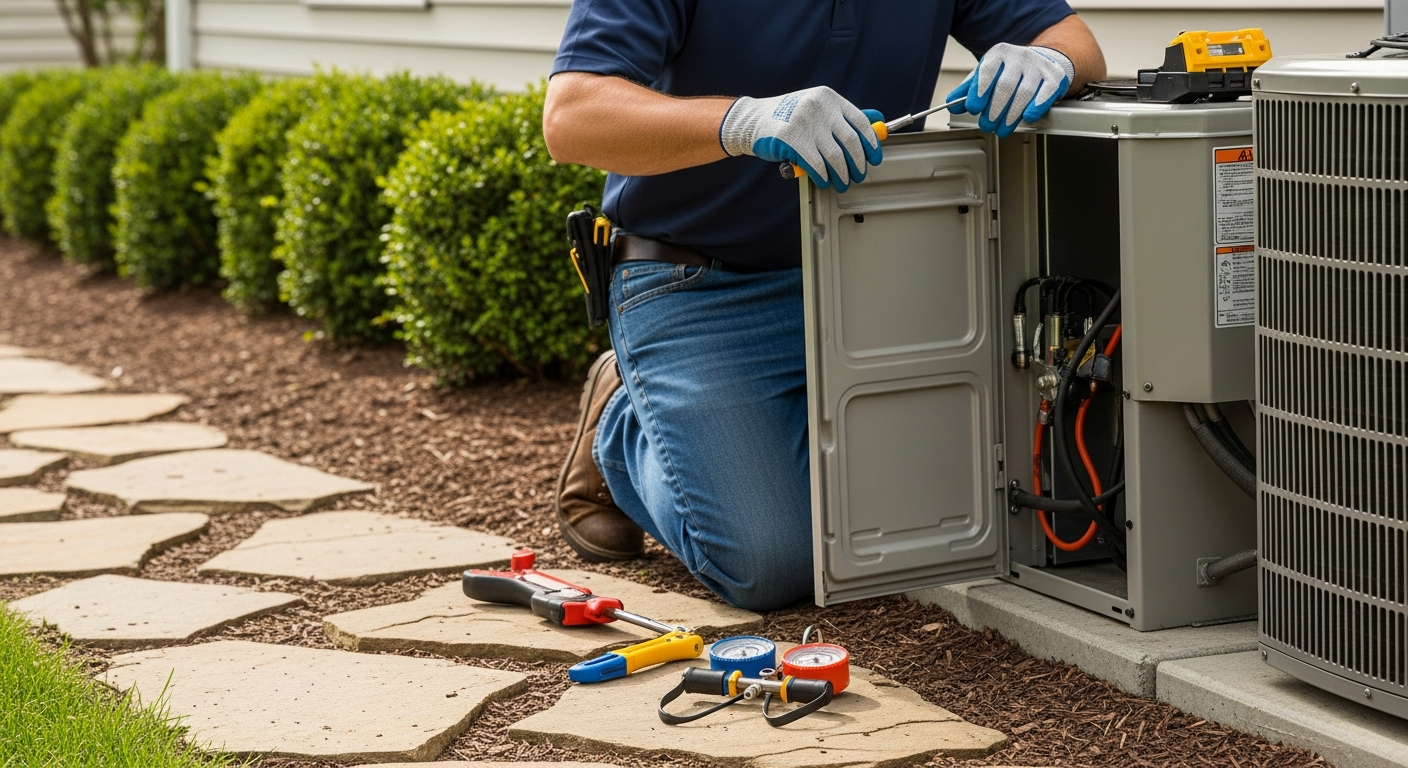
- DIY or pro? You can mount the thermostat and connect to Wi-Fi if wiring matches, but any new wiring or HVAC system changes require a licensed HVAC contractor.
- Safety first: Never attempt to handle gas, refrigerant, or high-voltage electrical components.
Why Integrate Google Home with Your HVAC?
Voice control adds convenience—adjust temperatures without touching the thermostat. Geofencing and routines can automatically reduce energy waste when you’re away or asleep. Utility company demand-response programs sometimes offer rebates for allowing brief adjustments during peak hours. However, savings depend on consistent use and system compatibility.
Choosing a Compatible Smart Thermostat
Look for the “Works with Google Home” badge. Below are common options with editorial price estimates:
| Thermostat Model | Approx. Price | Key Features |
|---|---|---|
| Google Nest Learning Thermostat (4th gen) | $250 | Auto-schedule, remote sensor support, Nest Renew |
| Ecobee Smart Thermostat Premium | $250 | Built-in Alexa, remote sensor, air quality monitor |
| Honeywell Home T9 | $200 | Smart room sensors, geofencing, humidity control |
| Amazon Smart Thermostat | $80 | Budget-friendly, Works with Google (via Matter) |
| Emerson Sensi Touch | $150 | Easy DIY install, geofencing, usage reports |
All prices are editorial estimates and vary by retailer and region. Check for local utility rebates using our Rebate Finder.
Installation and Setup: What You Can (and Cannot) Do
Many thermostats include step-by-step app guidance. As a homeowner, you can:
- Remove the old thermostat cover and photograph existing wiring.
- Mount the new base if it matches the wall footprint.
- Connect labeled wires to matching terminals (only if you have a standard low-voltage system and a C-wire).
- Connect the thermostat to Wi-Fi via the app.
- Configure Google Home by linking accounts in the app.
Stop and call an HVAC pro if:
- You have a high-voltage system (baseboard heat, line-voltage thermostats).
- No exposed C-wire (common in older homes).
- Your HVAC uses proprietary communicating controls.
- You feel uncomfortable identifying wires.
Professional installation provides peace of mind. Use our HVAC Cost Estimator to budget, and find a contractor in your area.
Safety Boundaries
Homeowner-safe tasks: checking for a C-wire, cleaning the thermostat exterior, replacing batteries, testing Wi-Fi signal strength, resetting the device via the app.
Professional-only work: any wiring modifications, running new thermostat cable, handling high-voltage systems, gas furnace controls, refrigerant systems, compressor circuits, capacitors, or circuit boards. Do not open sealed HVAC cabinets.
Calculator and Tool Recommendations
Before you buy, run a few checks with HVACDatabase tools:
- HVAC Cost Estimator – estimate installation costs specific to your area.
- Rebate Finder – offsets thermostat and installation costs.
- BTU Calculator – if you’re also considering zoning, verify system sizing.
- Repair or Replace Calculator – if your HVAC is old, factor total replacement before adding smart controls.
Decision Tree: Should You Integrate Google Home?
Use these rules to decide:
- Your HVAC system is under 12 years old and in good condition → Proceed with a compatible smart thermostat.
- System is 12–15 years old → Have a technician evaluate remaining lifespan first. Investing in a full system upgrade may be smarter.
- System over 15 years old or frequently needing repairs → Prioritize replacement before adding smart controls. Check our Repair or Replace Calculator.
- Your home frequently loses power or internet → Smart features may fail; consider a basic programmable model instead.
- You rent your home → Get landlord permission; some smart thermostats are designed for renters and easy to remove.
- You already have a 7-day programmable thermostat → The added energy savings from a smart thermostat are modest (3–5%) unless you actively use geofencing and remote access.
- You want multi-zone control → You’ll need a smart thermostat for each zone, which increases cost. Learn about zoning with smart thermostats.
Contractor Checklist for Smart Thermostat Installation
Ask these questions before hiring:
- “Are you licensed and insured for HVAC work in this state?”
- “Can you verify my system’s compatibility and suggest the best thermostat?”
- “Will you test Google Home integration before leaving?”
- “Do you offer a warranty on the installation work?”
- “Can you provide an itemized quote that separates the thermostat cost, labor, and any wiring upgrades?”
- “Have you installed this specific brand before?”
- “Will you patch and paint any wall damage if you need to run new wires?”
Compare at least three contractors using our Contractor Comparison tool.
Local Climate Considerations
- Hot & humid (Southeast): Look for thermostats with humidity control. Use pre-cooling routines to avoid peak rates. A geofencing setback could fall behind in extreme heat; set a higher “away” temperature to prevent moisture issues.
- Cold (Midwest/Northeast): Ensure the thermostat supports emergency heat and heat pump balance. Wi-Fi modules can be sensitive to extreme attic cold; place the thermostat centrally.
- Coastal (salty air): Corrosion may affect sensors. Choose a reputable brand with a sealed case, and schedule annual maintenance (emergency service if failure).
- Older homes (pre-1970): Many lack a C-wire; be prepared for a $100–$200 wiring upgrade. Some knob-and-tube wiring may prohibit smart thermostats entirely; consult an electrician.
Methodology
This guide synthesizes manufacturer specifications, user reviews, HVAC professional input, and editorial cost research. All price ranges are editorial estimates based on national averages as of early 2025 and are not guaranteed. Actual costs vary by location, system complexity, and contractor rates. We recommend obtaining at least three local quotes. Our tools pull regional data to refine estimates.
Frequently Asked Questions
Can I install a smart thermostat myself?
If you have a modern low-voltage HVAC system with a visible C-wire and you’re comfortable labeling wires, you can likely handle the basic swap. However, many homes require professional help for wiring upgrades. High-voltage systems are strictly for licensed professionals. Always turn off power at the breaker before touching any wiring.
What if Google Home loses connection to my thermostat?
First, check that your home Wi-Fi is working and the thermostat is still powered. Restart the Google Home app and, if necessary, reboot the thermostat and router. If the problem persists, verify your thermostat’s firmware is up to date. Persistent drops often indicate a weak Wi-Fi signal; consider a mesh extender or moving the router.
Will Google Home work during an internet outage?
Voice commands through Google Assistant require an internet connection, so commands like “Hey Google, set temperature to 70” won’t work offline. However, many smart thermostats retain basic manual and scheduled controls even without internet. You can still adjust the thermostat directly on the device wall unit.
Can I control my HVAC with Google Home from outside my home?
Yes, once your thermostat is linked to your Google account, you can use the Google Home app or Assistant on your phone anywhere with mobile data or Wi-Fi. This allows you to adjust settings before you arrive home.
How much can I save on energy bills with a Google-integrated smart thermostat?
Savings vary widely. ENERGY STAR estimates $50–$100 per year for proper use of scheduling and setbacks. Our analysis suggests 10–15% on heating and cooling costs, especially when combined with geofencing. Actual savings depend on local climate, utility rates, and your family’s schedule. Use the Cost Estimator to project payback.
Related articles
Connect this page to adjacent guides so readers keep moving deeper into the topic cluster.
How to Implement a Whole Home Energy Management System
Integrate smart tech and HVAC controls to cut energy waste. This guide shows how to audit, upgrade, and automate your home's energy use, with real savings estimates.

How to Set Up Thermostat Geofencing
Set up thermostat geofencing to automatically adjust home temperature as you come and go. Save energy, extend equipment life, and never return to an uncomfortable house. Get our quick-start guide now.

How to Troubleshoot Smart Thermostat WiFi Issues
Your smart thermostat offline? Most WiFi drops can be fixed with power checks, router adjustments, and simple restarts. Follow our step-by-step guide to regain remote control and energy savings.