How to Set Up Alexa to Control Your HVAC
Transform your home comfort by connecting your HVAC system to Amazon Alexa for seamless voice control and automated climate scheduling.
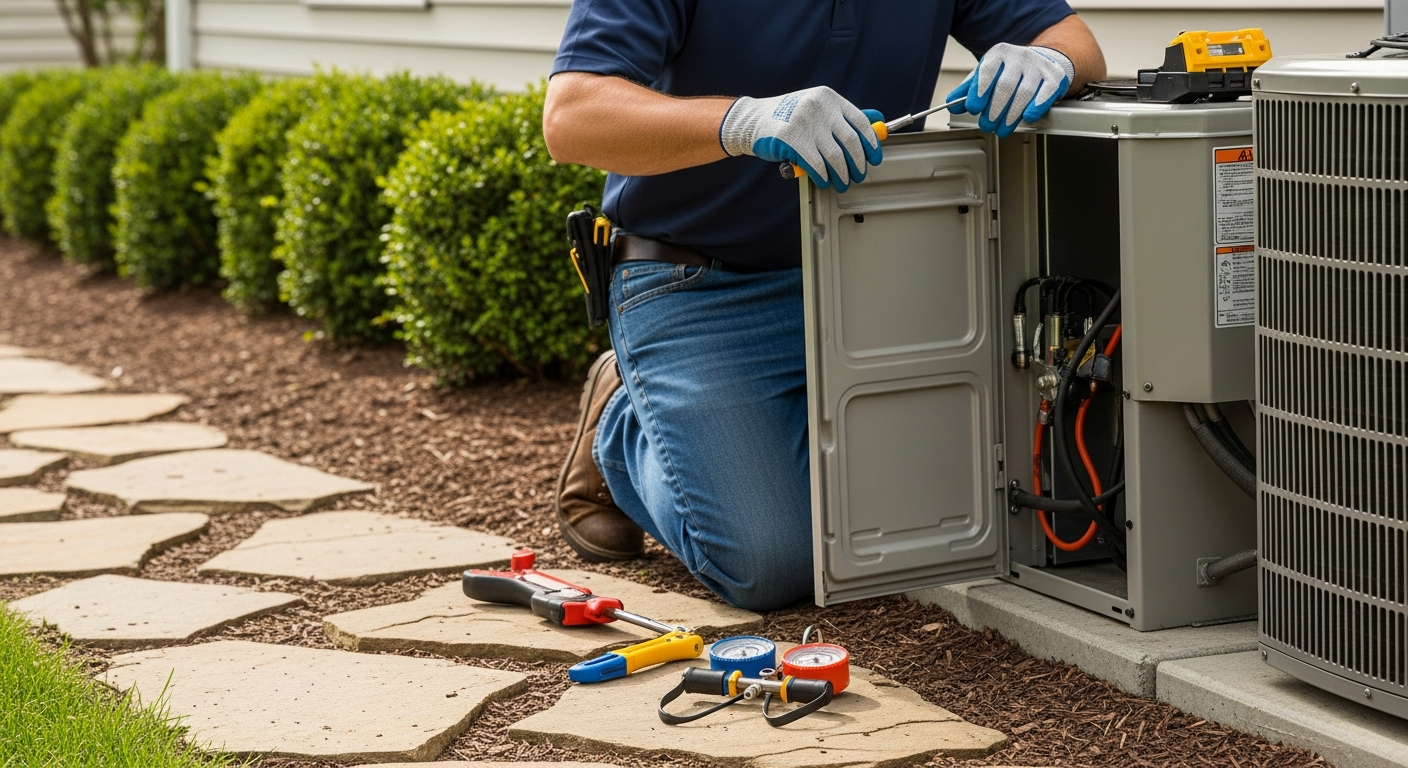
Smart Climate Control at Your Fingertips
Imagine adjusting your home's temperature without ever leaving the couch. By connecting Amazon Alexa to your HVAC system, you can control your heating and cooling using simple voice commands.
This integration doesn't just offer convenience; it can also help you manage energy usage more effectively. Whether you are using a dedicated smart thermostat or looking into ai-powered thermostat learning explained, Alexa acts as the central hub for your comfort.
Phase 1: Verify Hardware Compatibility
Before you begin the setup process, you must ensure your HVAC system is compatible with smart technology. Most modern central air systems work well with smart thermostats, but older systems may require a C-wire adapter.
You will need a Wi-Fi-enabled thermostat from a brand like Nest, Honeywell, or Ecobee. If you are debating between models, check out our guide on Honeywell vs Nest thermostats to see which fits your needs best.
Phase 2: Install the Thermostat and App
First, install your smart thermostat according to the manufacturer's instructions. Once the hardware is on the wall and powered up, download the corresponding manufacturer app on your smartphone.
Create an account and connect the thermostat to your home Wi-Fi network. Ensure the thermostat is responsive within its own native app before trying to bridge it to Alexa.
Phase 3: Connecting to the Alexa App
Now it is time to link the two systems. Open the Alexa app on your mobile device and follow these steps:
- Tap on the 'More' tab and select 'Skills & Games'.
- Search for the brand of your thermostat (e.g., 'Honeywell' or 'Nest').
- Select 'Enable to Use' and log in with your thermostat account credentials.
- Once linked, ask Alexa to 'Discover Devices'.
Alexa will scan your network and find your thermostat. You can then rename it to something simple like 'Main Hall' or 'Downstairs' for easier voice commands.
Phase 4: Mastering Voice Commands
Once the discovery process is complete, you can start controlling your climate immediately. Try using these standard commands:
- 'Alexa, set the temperature to 72 degrees.'
- 'Alexa, what is the temperature in the living room?'
- 'Alexa, increase the temperature by 2 degrees.'
If you have advanced features, you might even be able to manage humidity levels. Learning how to control humidity with your HVAC system through Alexa can significantly improve indoor air quality during muggy months.
Advanced Alexa HVAC Features
Alexa allows you to create 'Routines.' For example, you can create a 'Goodnight' routine that turns off the lights and lowers the AC simultaneously. This level of automation is similar to the efficiency gains found when you set up smart vent controls throughout your home.
If you are managing a larger property, you might even use these tools to figure out how to heat and cool a detached garage remotely, ensuring the space is comfortable before you walk in.
Troubleshooting Connection Issues
If Alexa stops responding, the first step is to check your Wi-Fi connection. A weak signal is the most common cause of smart home failures. You may also want to compare connection protocols, such as wifi thermostat vs z-wave thermostat, to see which offers better stability for your specific home layout.
Don't forget the basics of HVAC maintenance either. Even the smartest thermostat won't help if your airflow is restricted. Make sure you know how to replace a furnace filter regularly to keep the system running efficiently.
When to Call a Professional
While most homeowners can handle the software side of an Alexa setup, wiring a new thermostat can be tricky. If you encounter strange wiring colors or your system isn't powering on, it is best to consult an expert.
You can easily find trusted HVAC contractors on HVACDatabase.com to help with the installation of smart thermostats or any other complex HVAC repairs. A professional can ensure that your system is balanced and that your smart features aren't causing unnecessary wear on your compressor.
Setting up your smart home should be an exciting upgrade. By utilizing the resources on HVACDatabase.com, you can ensure your system is handled by a pro, leaving you to enjoy the voice-controlled comfort of your newly integrated Alexa HVAC system.
Related articles
Connect this page to adjacent guides so readers keep moving deeper into the topic cluster.
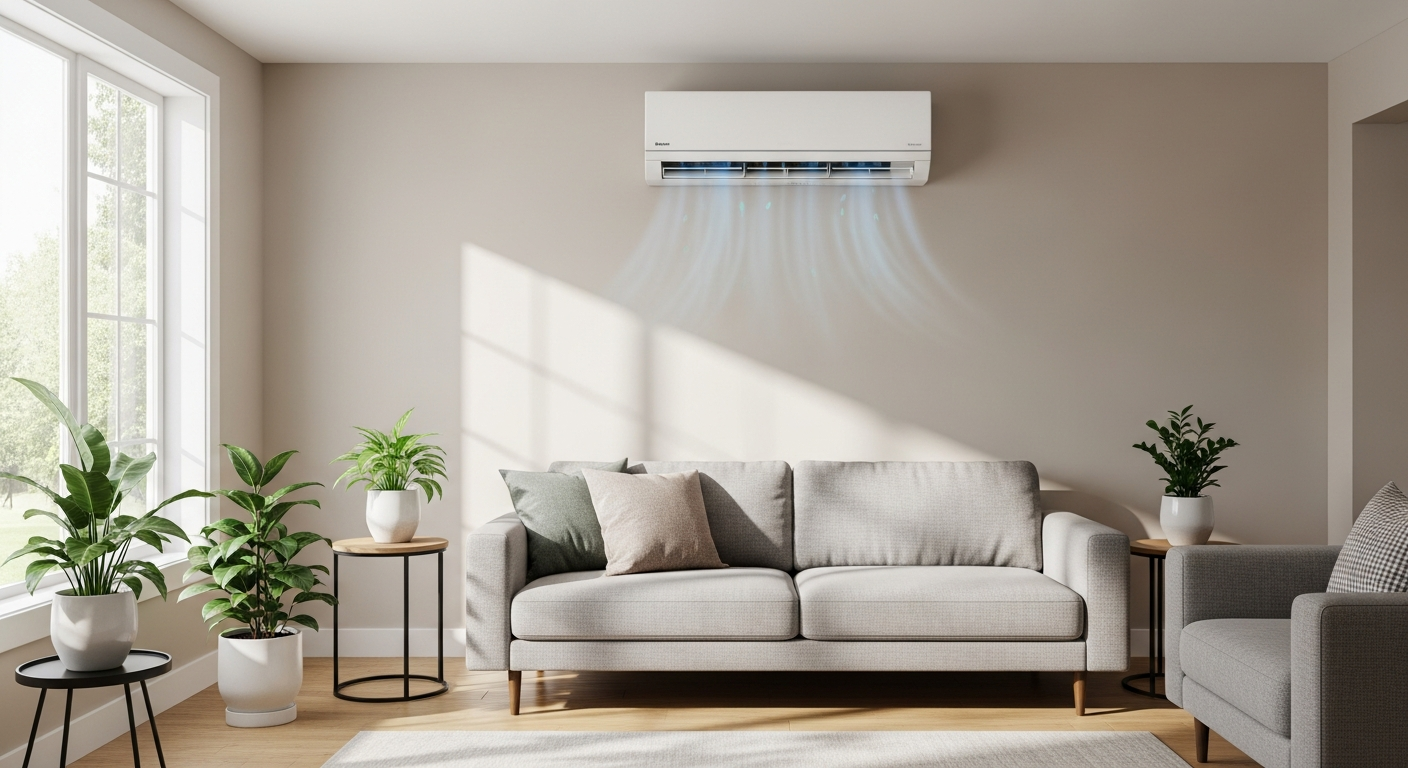
How to Troubleshoot Smart Thermostat WiFi Issues
Is your smart thermostat losing its connection? Follow these troubleshooting steps to restore your WiFi and get back to controlling your home comfort remotely.
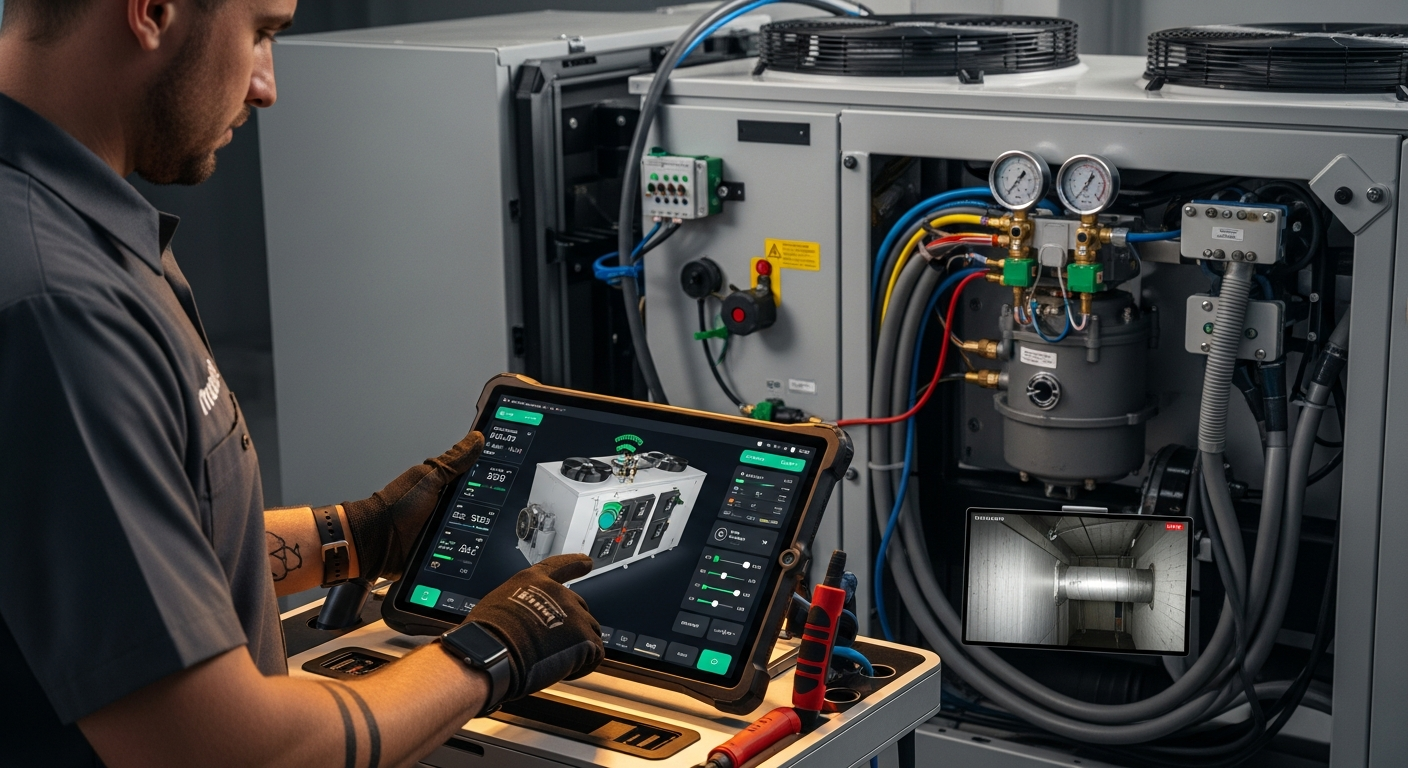
How to Set Up Multiple Smart Thermostats
Discover how to configure multiple smart thermostats to balance your home's temperature and improve energy efficiency with our comprehensive guide.
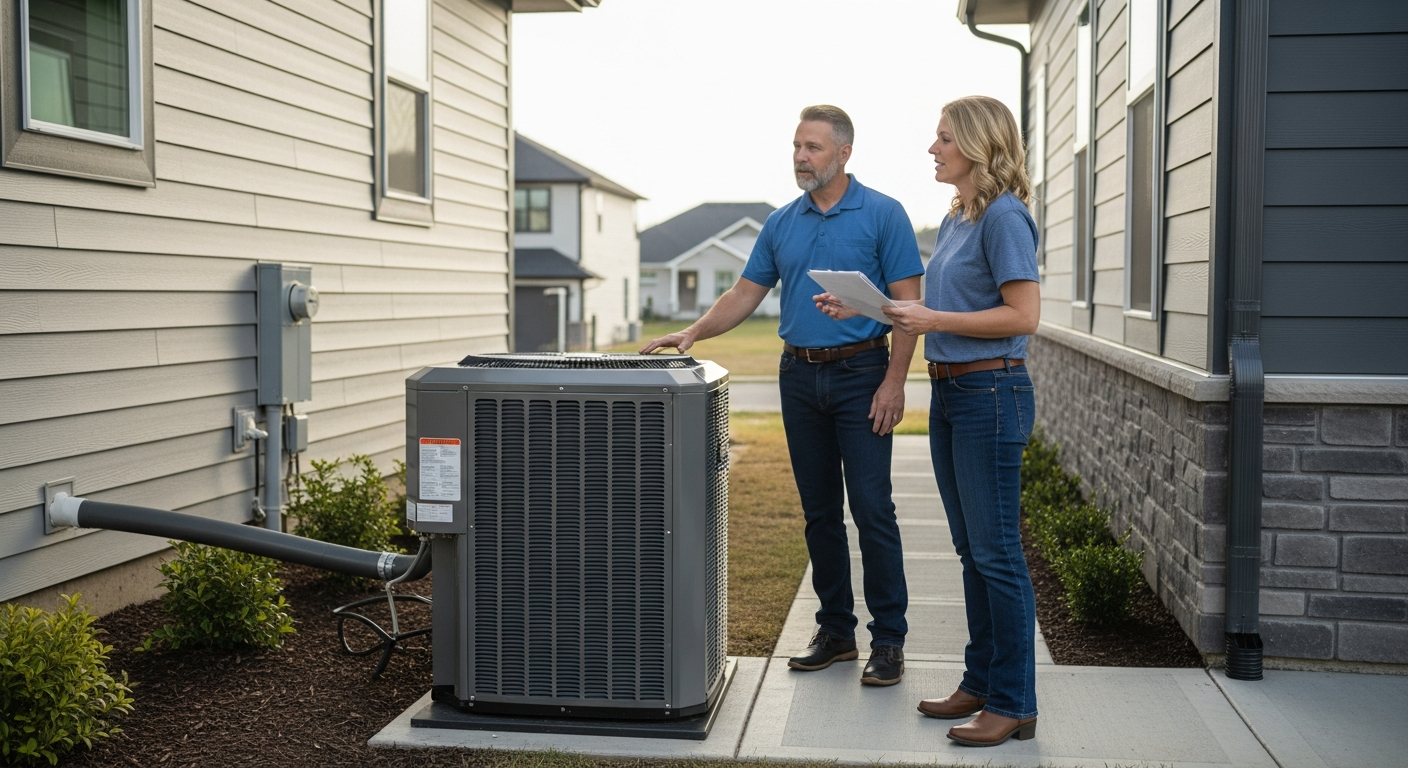
How to Configure Energy Reports on Your Smart Thermostat
Unlock the power of data by configuring energy reports on your smart thermostat to optimize your home's heating and cooling efficiency.